The signature feed
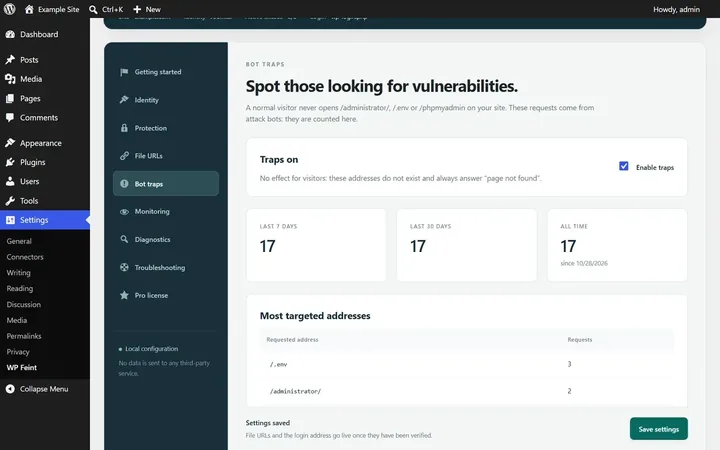
Bots keep changing the URLs they probe. The signature feed delivers new trap patterns to WP Feint Pro (per imitated platform, per URL parameter, generic scanners) along with updated imitation markers, without waiting for a new plugin release.
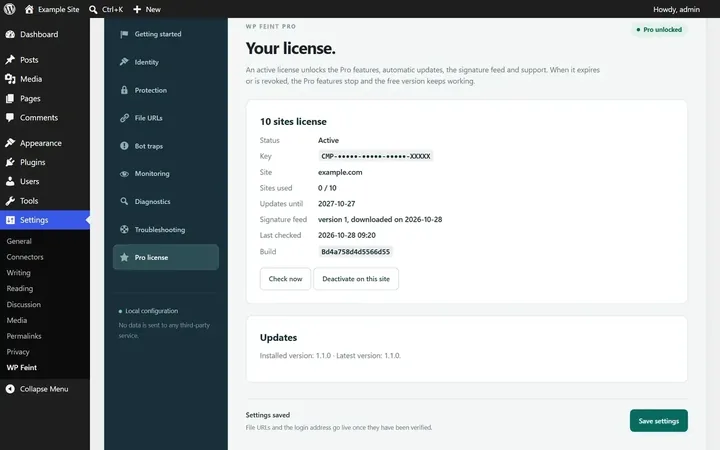
The feed is digitally signed (Ed25519) by the license server: the plugin verifies the signature before using it and ignores any invalid pattern. It is fetched once a day, never while your pages are being served.
Automatic updates
As long as your license is active, new versions of WP Feint Pro show up under Dashboard → Updates, just like a plugin from WordPress.org. Priority email support is included for the same period.
How the license works
- Each site is activated once, with an activation code generated for its address in your member area and pasted under WP Feint → Pro license (the mask icon in the admin menu). The license key stays in the member area and is not typed into the site. The number of new site activations per 24 hours depends on the plan: 5 for the 1-site plan, 10 for the 10-site plan, 25 for the 50-site plan and 50 for the lifetime license.
- The server returns a signed token tied to the site’s domain name and verified locally: no request is made while pages are being served.
- The token is refreshed every day. If the server can’t be reached, it stays valid for 10 days; after that, Pro features pause until the next successful check.
What happens when an annual license expires?
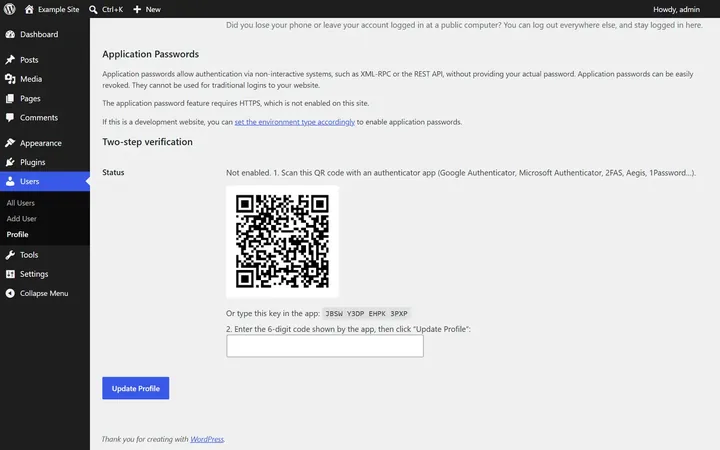
Pro features stop. Your site doesn’t break. Updates, the signature feed, support and Pro features stop; the free version keeps working. An alias plan that has already been verified stays in effect, and accounts already using two-factor authentication keep it. The lifetime license never expires.
If a payment is refunded or disputed, the license is revoked: Pro features stop at the next check, with the same safeguards, and your settings are kept. See pricing and license terms.
Limitations and precautions
- The feed improves traps and imitation; it is not an antivirus signature database.
- Your server must be able to reach the license server at least once every 10 days.
- The data exchanged with the license server is described in the privacy policy.
Start free, upgrade to Pro when you’re ready
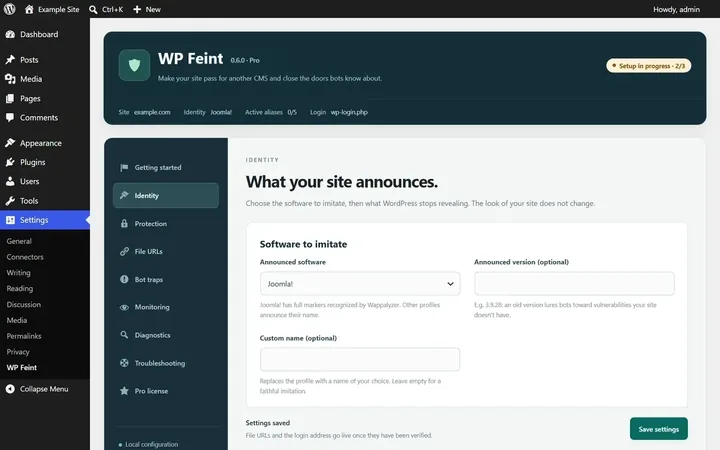
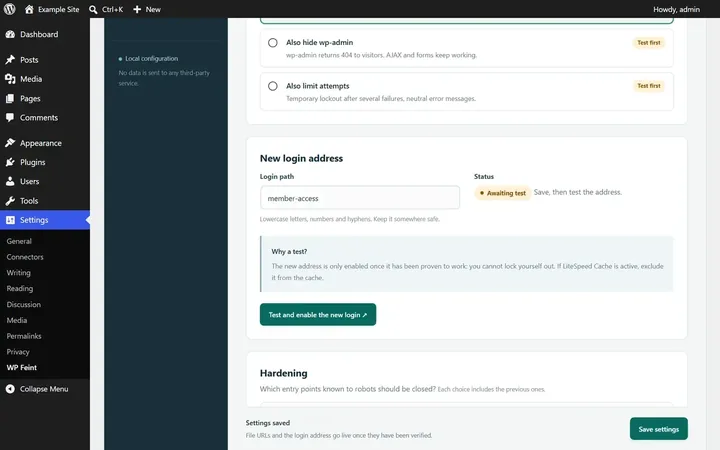
The free version already hides WordPress, moves the login page, blocks XML-RPC and counts bots. Pro locks down logins, renames file URLs and monitors your sites for you: known vulnerabilities, core integrity, activity log, email alerts and the update status of all your sites in your member area. From €59 per year excl. tax, far less than the cleanup offers whose prices we checked. Compare the costs.